QUESTION 2 (30 marks)#
Target URL: http://TARGET_IP:20044
a. Find a way to login to the application. Include screenshot(s) and explanation(s) of your steps and tools used.
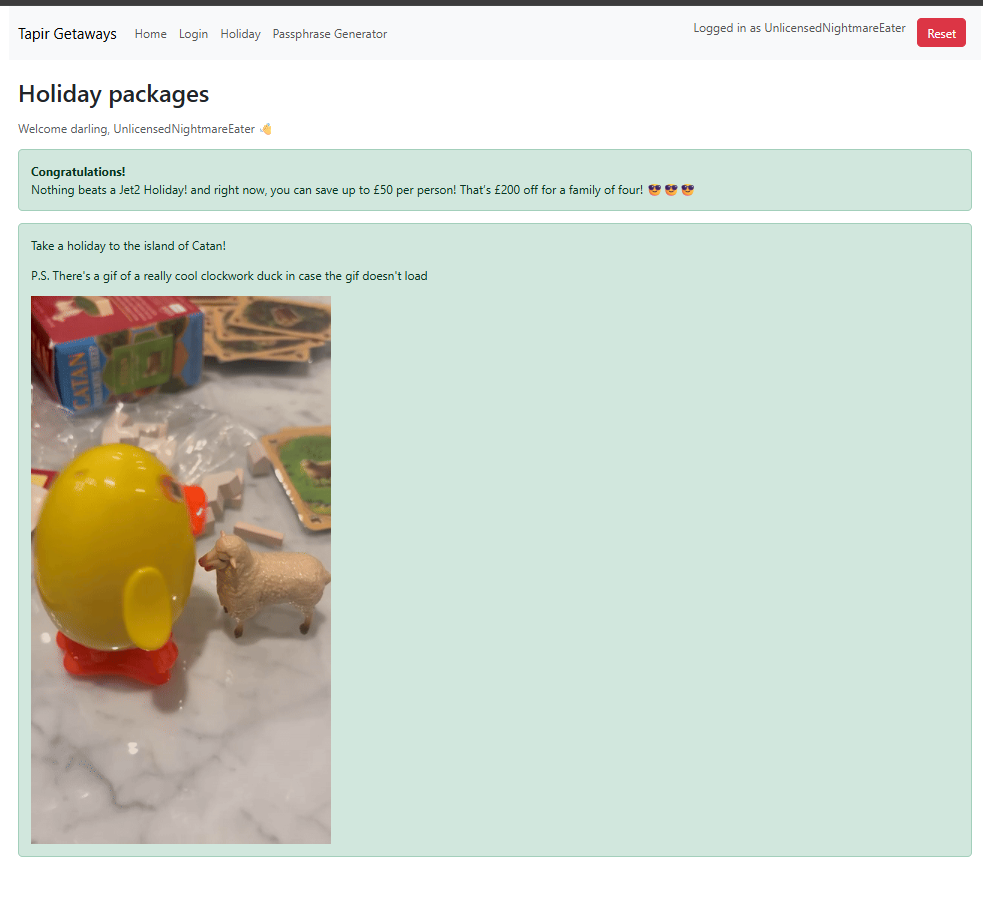
b. Find a way to view the holiday packages. (This can only be done after part (a) has been completed.)
Note: There is a bug where accessing
/loginafter logging in redirects to/package(which does not exist). This bug does not affect your task.Include screenshot(s) and explanation(s) of your steps and tools used.
Part A: Get access#
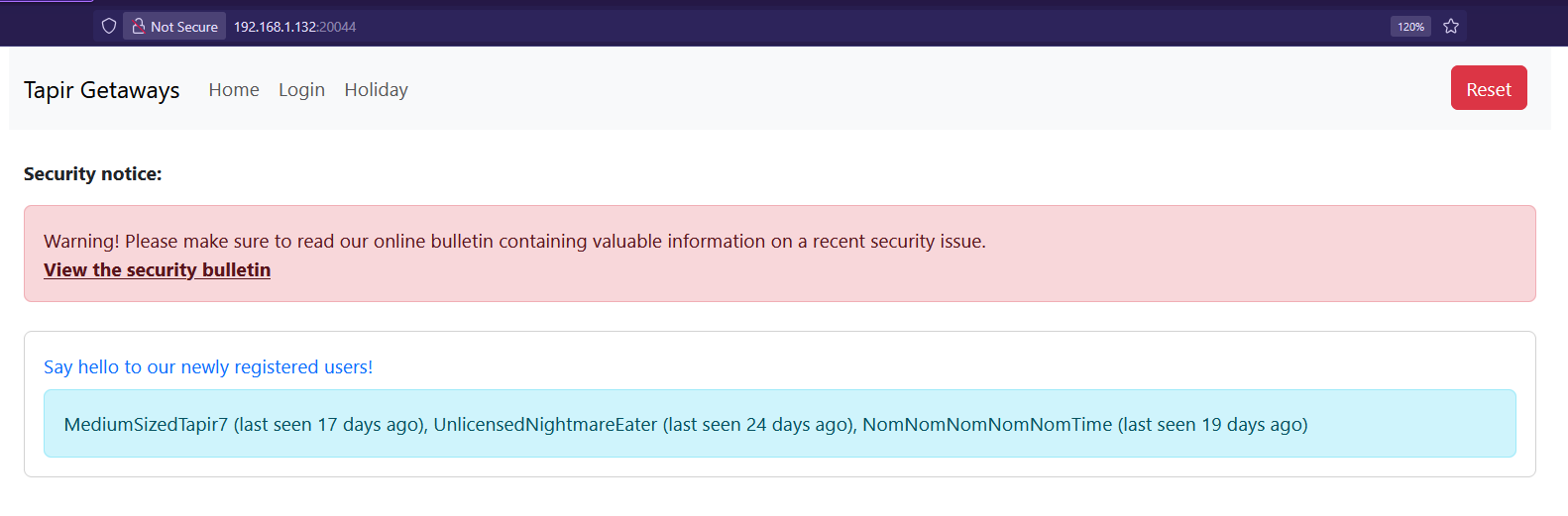
On the homepage, we get a bunch of usernames:
MediumSizedTapir7UnlicensedNightmareEaterNomNomNomNomNomTime
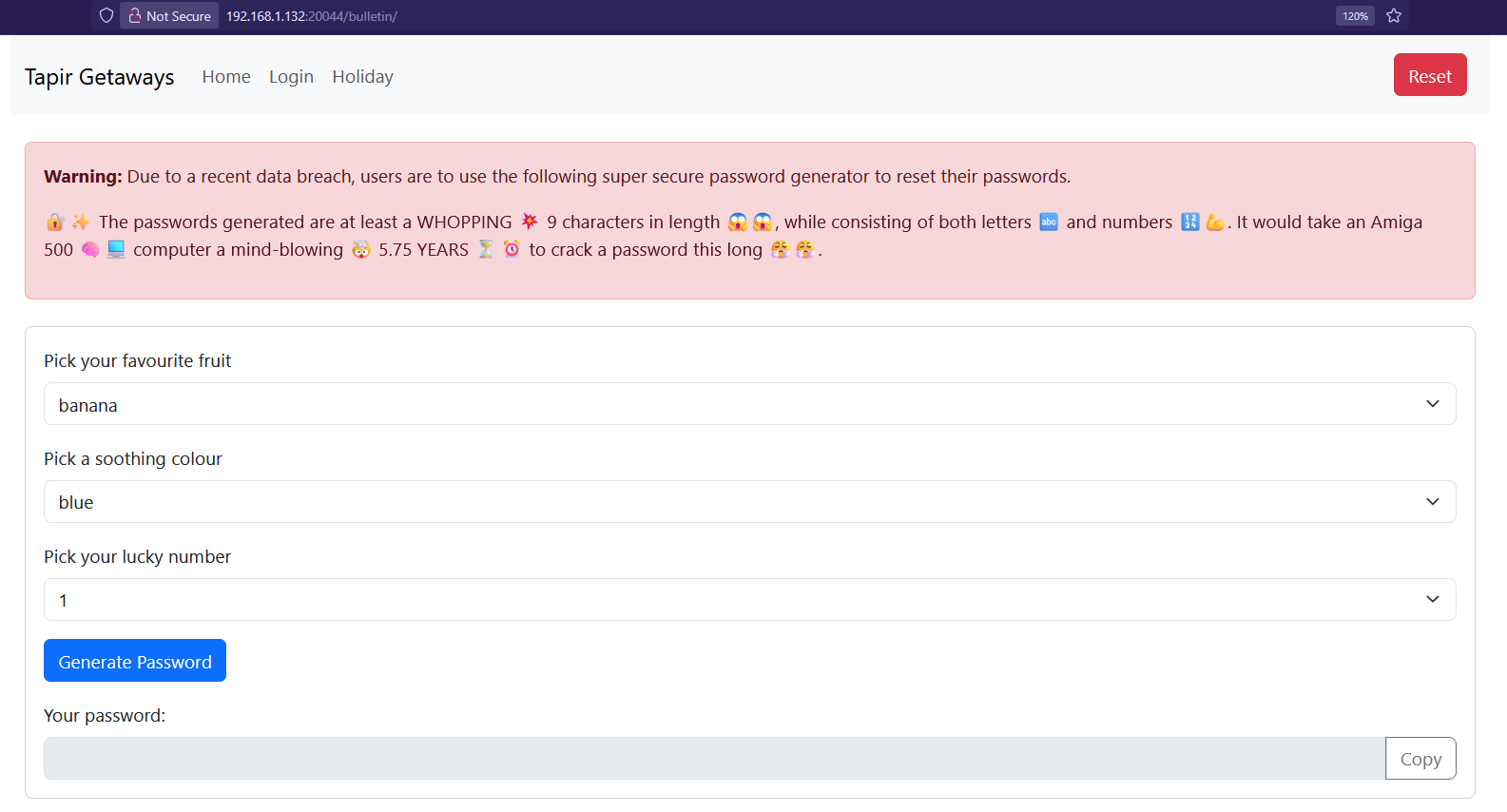
Clicking on to /bulletin, we see how passwords are generated.
There’s a form with dropdowns:
- Pick a fruit
- Pick a soothing colour
- Pick a lucky number
The relevant part of the source code is dumped here.
<form>
  <div class="mb-3">
    <label for="fruit" class="form-label">Pick your favourite fruit</label>
    <select id="fruit" class="form-select">
      <option>banana</option>
      <option>orange</option>
      <option>pear</option>
      <option>peach</option>
    </select>
  </div>
  <div class="mb-3">
    <label for="colour" class="form-label">Pick a soothing colour</label>
    <select id="colour" class="form-select">
      <option>blue</option>
      <option>yellow</option>
      <option>green</option>
      <option>pink</option>
    </select>
  </div>
  <div class="mb-3">
    <label for="number" class="form-label">Pick your lucky number</label>
    <select id="number" class="form-select">
      <option>1</option>
      <option>3</option>
      <option>5</option>
      <option>7</option>
      <option>9</option>
    </select>
  </div>
  <button type="button" class="btn btn-primary" onclick="generatePassword()">
    Generate Password
  </button>
</form>
function generatePassword() {
  const fruit = document.getElementById("fruit").value;
  const colour = document.getElementById("colour").value;
  const number = document.getElementById("number").value;
  document.getElementById("password").value = `${fruit}${colour}${number}`;
}

function copyPassword() {
  const passwordInput = document.getElementById("password");
  navigator.clipboard.writeText(passwordInput.value);
}
So the passwords are super predictable. We just need to try every combo, and we will be able to compromise the account.
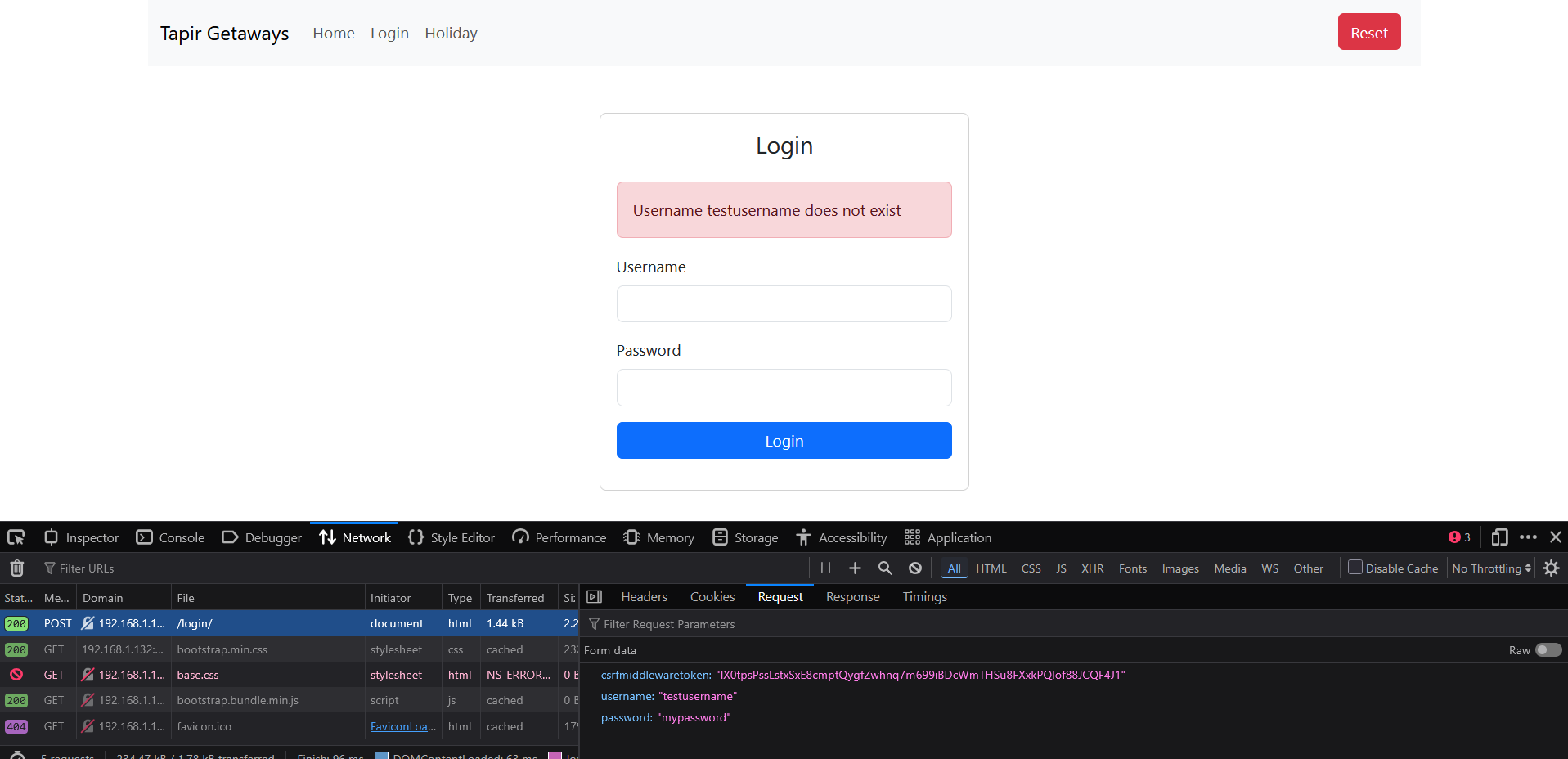
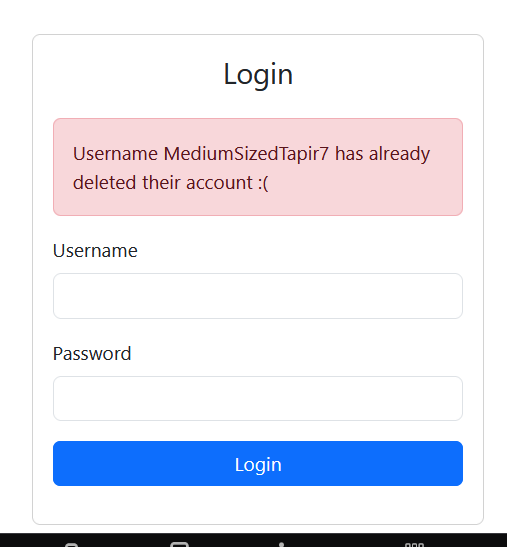
This gives us the endpoint, as well as tell us that that account does not exist. We can use the usernames provided above, with a random password to see the next step.
It shows that the first user, MediumSizedTapir7 has deleted his account.
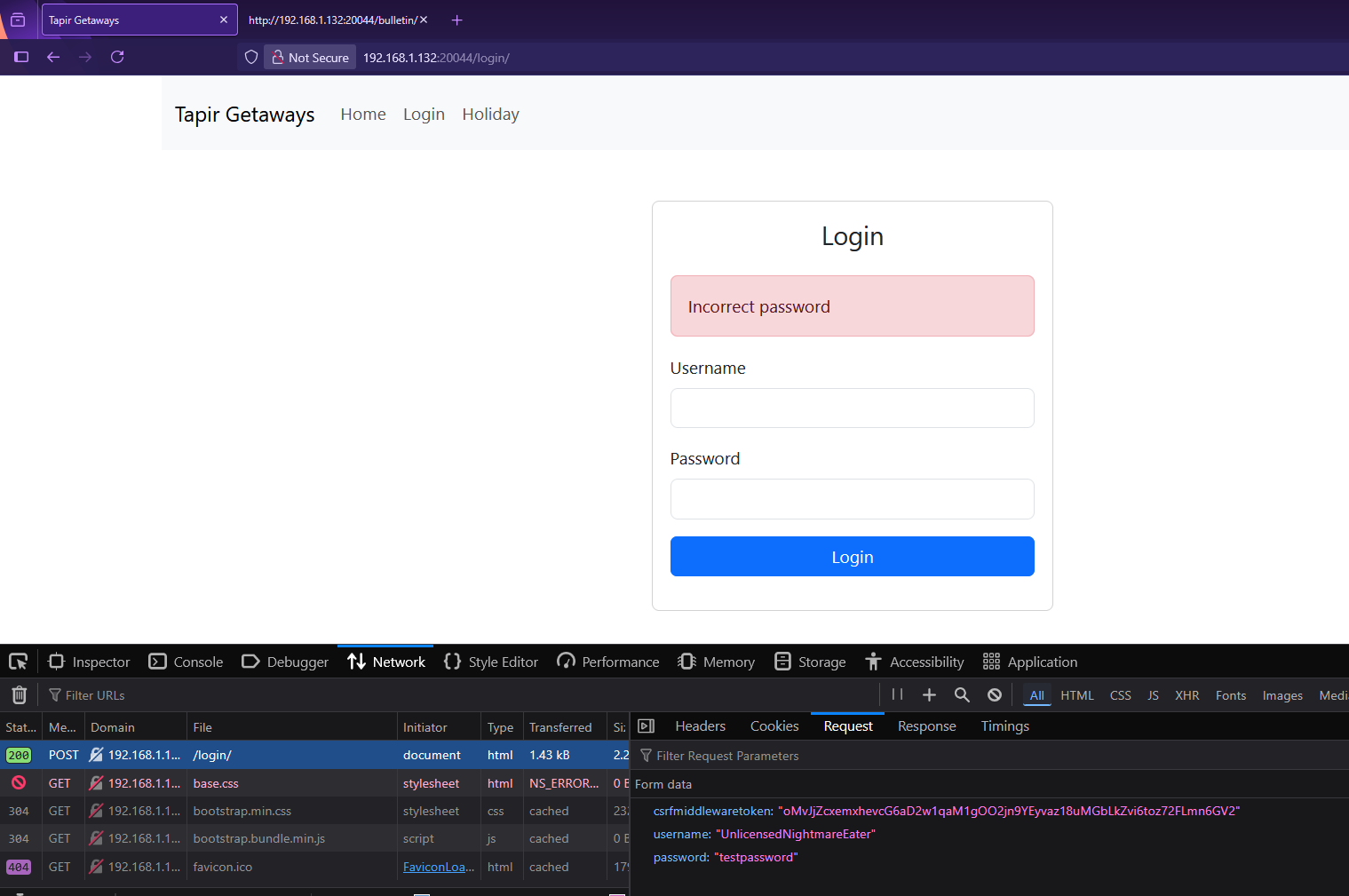
We found a valid user! UnlicensedNightmareEater’s account was not deleted.
Well… Time to brute force. In Burp Suite Intruder:
- Position 1: fruits
- Position 2: colours
- Position 3: numbers
Add a grep match for a successful login message, or something that’s not “Invalid password”.
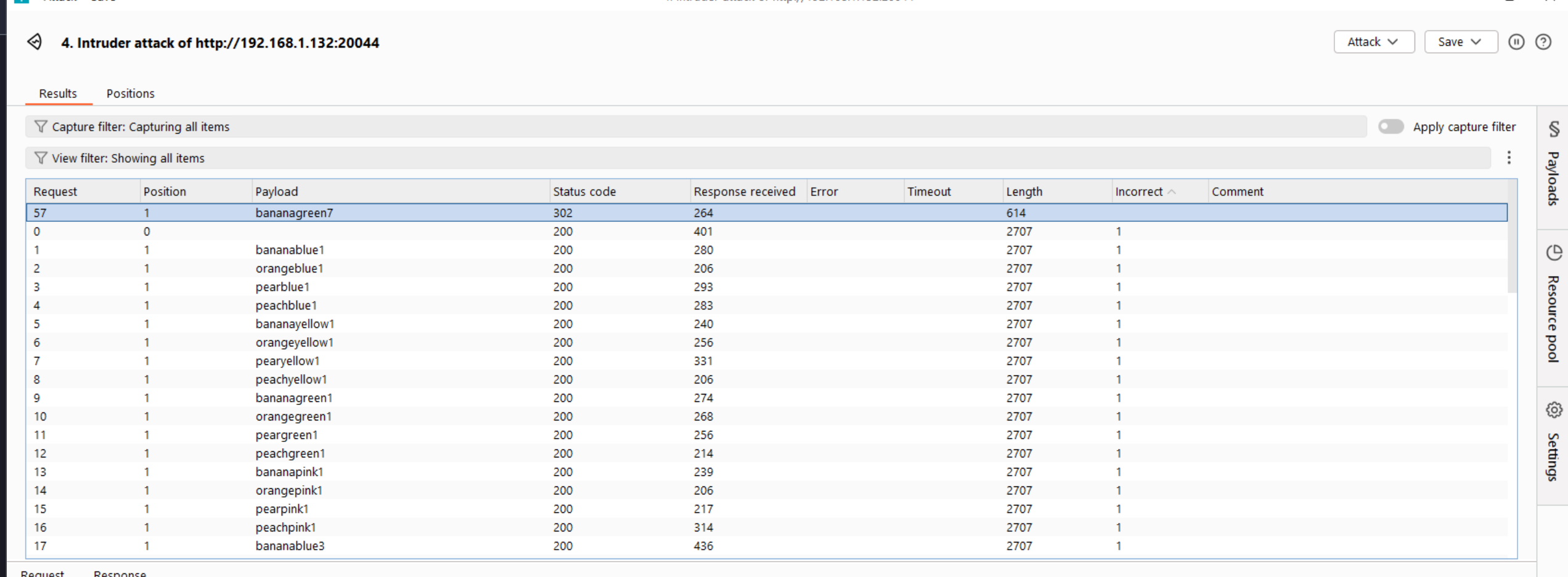
A simple grep match search can be used to filter out the results.
BOOM! We got access.
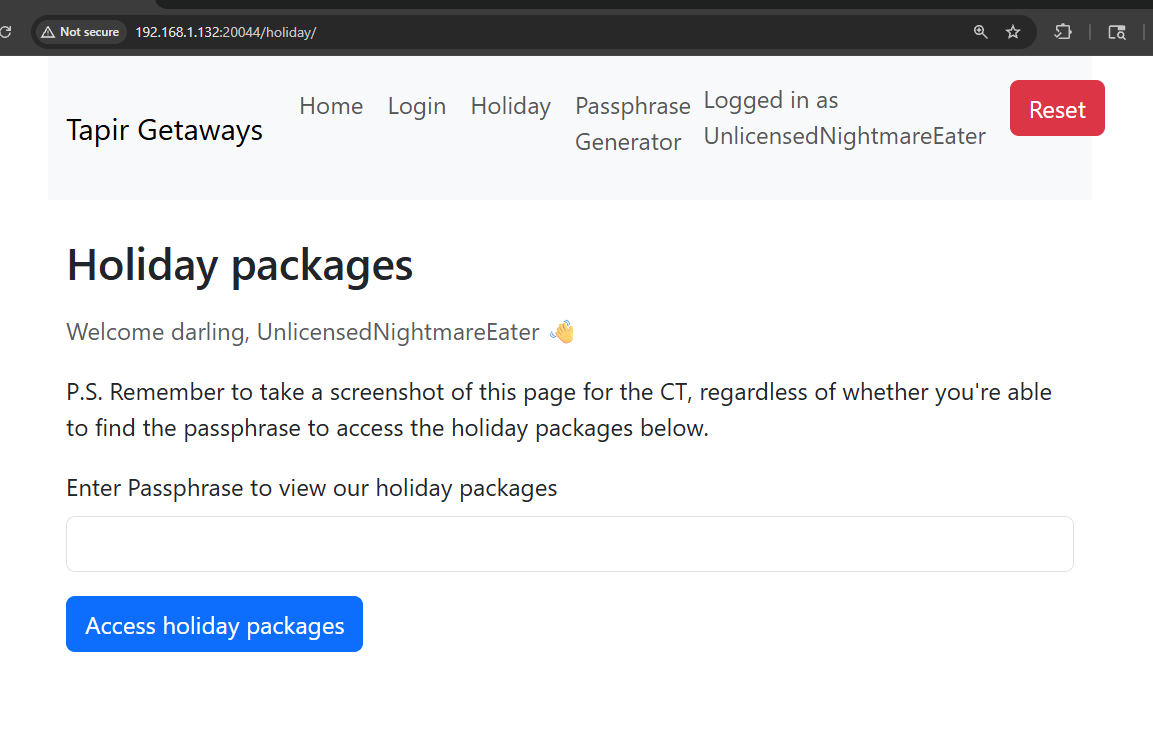
Part B: Find hidden passphrase#
Well to exploit this section, we first have to do some recon. After logging in, we can now see the Passphrase Generator page (/generator)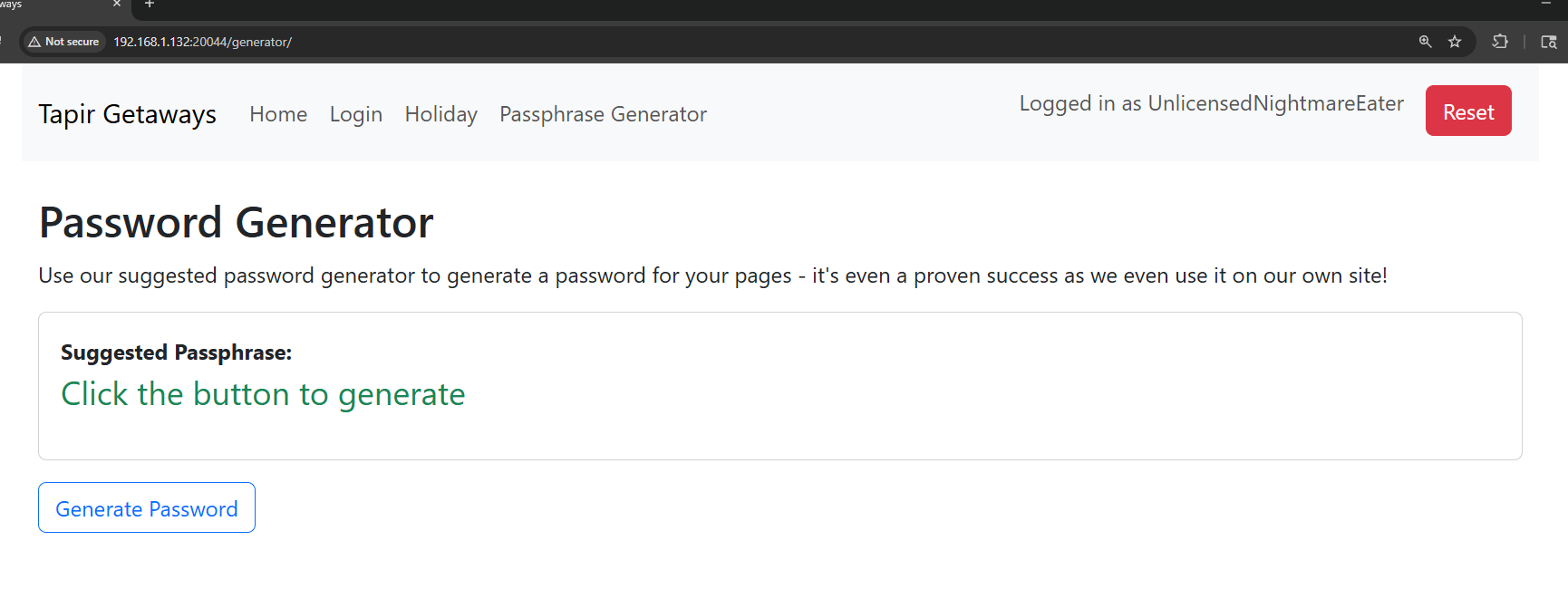
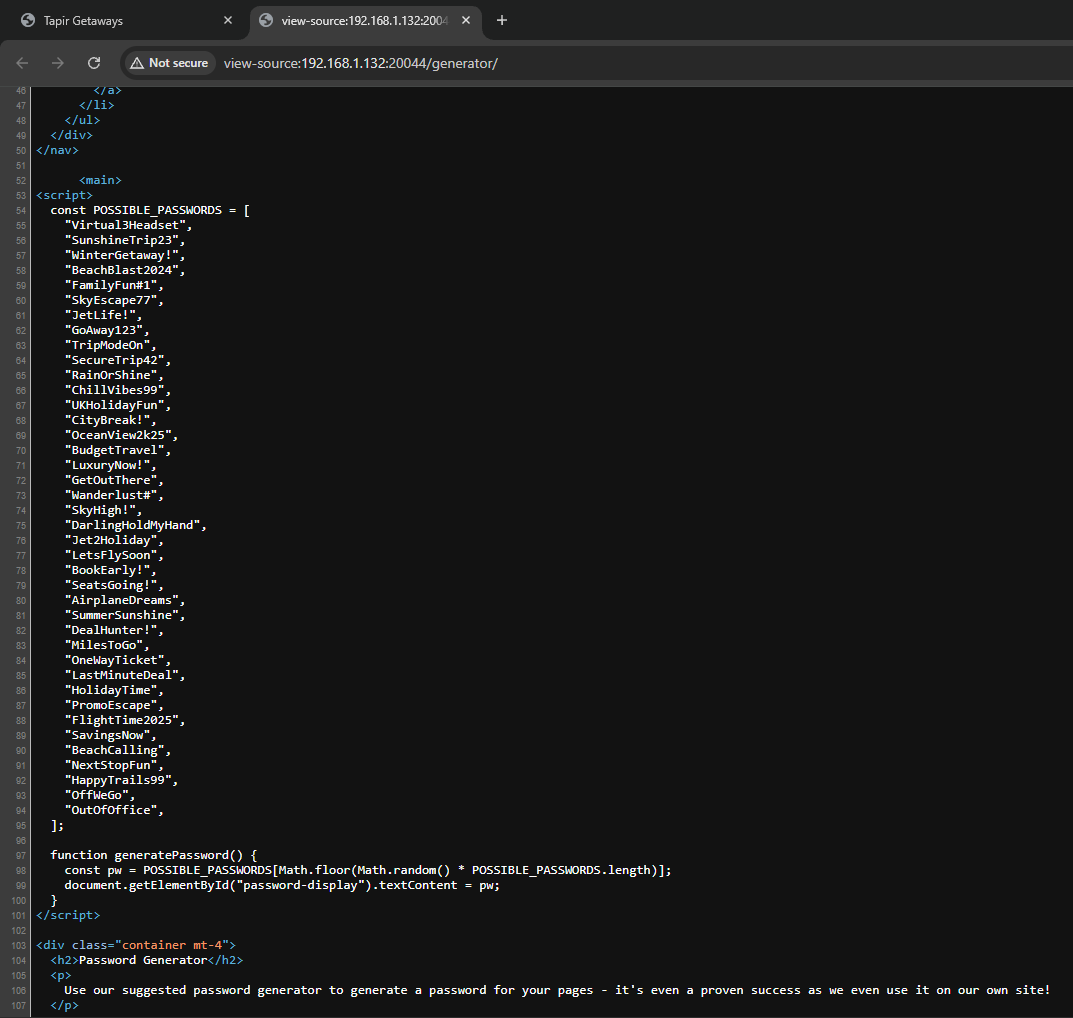
Analyzing the source code, its clearly hardcoded. Burp Intruder again. Use the wordlist of possible passwords. Grep match for anything that isn’t “Invalid”.
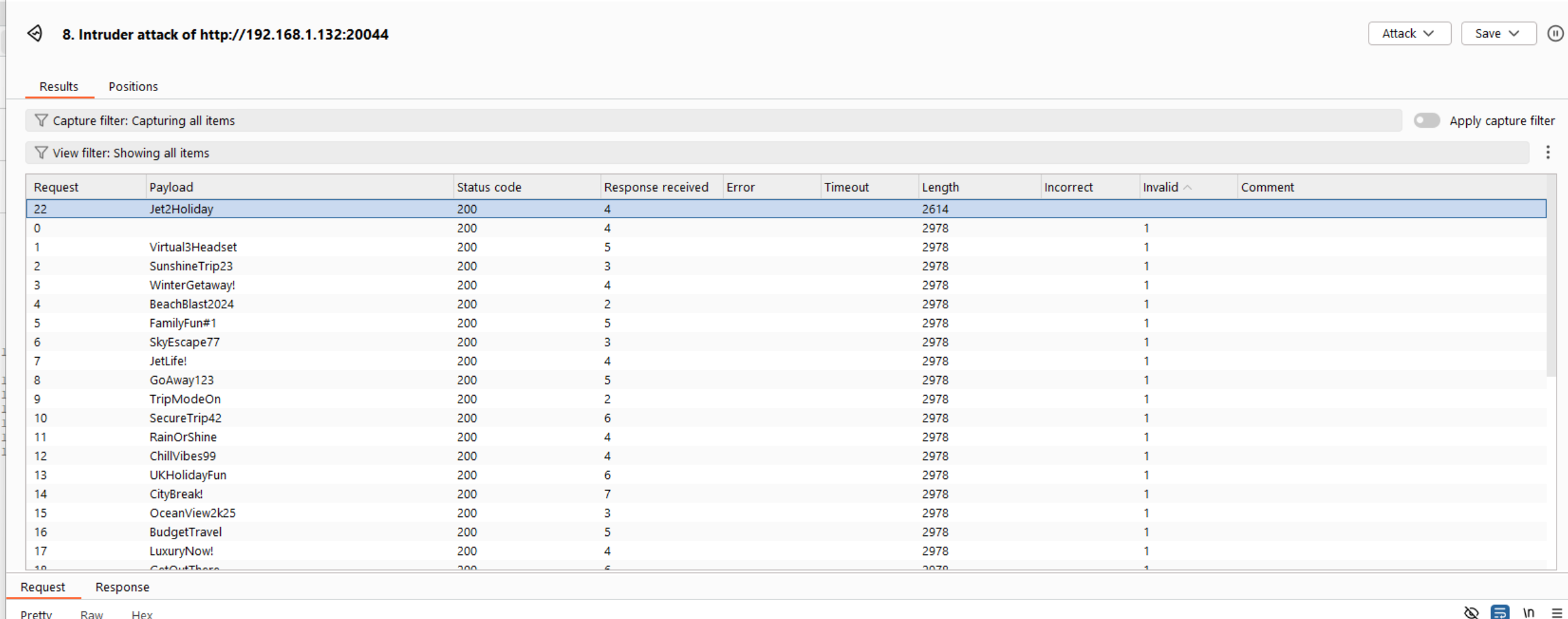
And we got the password. Jet2Holiday.